11 Editing Techniques That Make Scenes More Cinematic - Every director must know!
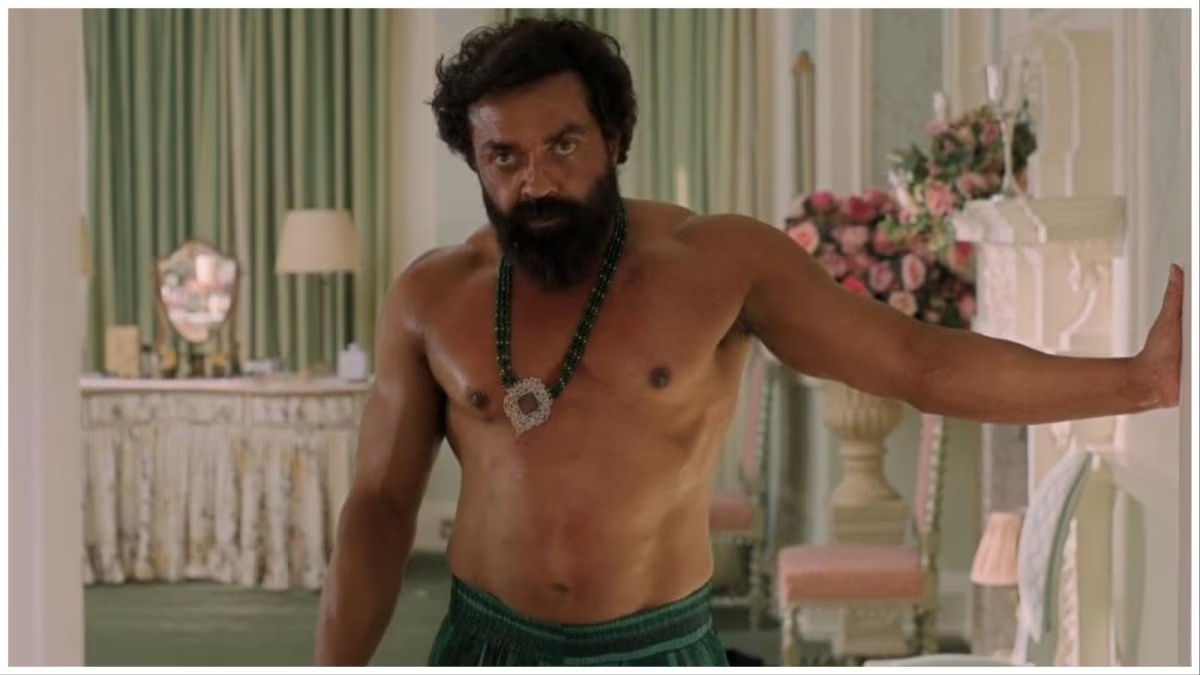
Below are 11 cinematic editing techniques, a slightly expanded explanation for each, and clear guidance on when to use the cut (or transition) to get the intended storytelling, pacing, or emotional effect.
- Cut on action — what it is and why it works.
- Explanation: You cut during a continuous physical movement (someone reaches for a door, a hand completes a punch) so the motion carries across the edit and the audience perceives one seamless action. This hides the cut and preserves spatial continuity while keeping energy high.
- When to use: Use for fight sequences, chases, or any scene where you want momentum and fluidity; also useful in dialogue when cutting to reactions while maintaining motion. Make the cut at a strong point in the action (mid-move) so both shots share a matching silhouette or direction.
- Match cut — visual or thematic linking.
- Explanation: Match cuts join two shots by matching composition, shape, motion, color, or symbolic content so the transition feels poetic rather than merely functional. It creates a visual bridge and often implies a relationship or passage of time.
- When to use: Use to connect two different locations, times, or ideas that you want the viewer to associate (e.g., a spinning wheel matched to a spinning dial), or to make a metaphorical leap without explicit exposition.
- J-cut and L-cut (split edits) — control audio/visual overlap.
- Explanation: In a J-cut the audio from the next scene starts before the picture changes; in an L-cut the audio from the previous scene continues over the next image. These are split edits that smooth transitions and create narrative rhythm.backstage+1
- When to use: Use J-cuts to foreshadow or lead into a new scene (ambient sound or dialogue arrives before we see the new location); use L-cuts to let a conversational beat or emotional tone linger while you cut to reaction or next shot. Great for dialogue-driven scenes and montage-to-dialogue transitions.
- Cutaway — detour for context or relief.
- Explanation: You briefly cut away from the main action to an insert or B-roll (the clock on the wall, a passerby, a reaction in the crowd) before returning. It adds context, hides continuity errors, or gives audience breathing room.filmdistrictdubai+1
- When to use: Use to cover an edit that would otherwise be jumpy, to show cause/effect, to add comic relief, or to direct attention to a detail the audience should notice.
- Insert (cut-in) — emphasize a detail.
- Explanation: A close-up shot of an object, a written note, or a partial body part to highlight information or motivation. Inserts make small story elements feel important.
- When to use: Use when a prop, clue, or subtle reaction matters to the plot (a ring, a gun, a text message). Cut in just long enough for the viewer to register the detail, then return.
- Montage — compress time and convey information.
- Explanation: A sequence of short, often rhythmic shots (usually with music) that condenses events, illustrates a process, or shows emotional progression.
- When to use: Use to show training, travel, the passage of seasons, or a character’s growth where you don’t need real-time coverage; pace the montage to the soundtrack and vary shot length for emotional effect.
- Cross-cut / parallel editing — build tension or contrast.
- Explanation: Alternating between two (or more) actions happening in different places — often to suggest simultaneity or to build suspense by cutting between converging events.backstage+1
- When to use: Use for scenes where outcomes interrelate (a hero racing to defuse a bomb while the villain prepares), to build suspense, or to highlight ironic contrasts between characters. Increase cutting speed as stakes rise.
- Jump cut — obvious time jump or stylistic jolt.
- Explanation: A cut that intentionally breaks spatial or temporal continuity (two similar frames with small changes), producing a noticeable “skip.” It calls attention to editing and can create disorientation, speed, or comic effect.
- When to use: Use in music videos, vlogs, or artful sequences to compress time or emphasize awkwardness; avoid in classical continuity scenes unless you want to draw attention or create unease.
- Smash cut — sudden tonal shift.
- Explanation: A rapid, often jarring cut from one scene to another with contrasting tone (quiet interior to loud exterior), used for shock or comic punctuation.
- When to use: Use to abruptly shift mood—e.g., a serene close-up cut to chaos for shock—or to punctuate a punchline or reveal. Place it on a strong frame to maximize contrast.
- Eyeline match / reaction cut — preserve POV and clarity.
- Explanation: You cut from a character’s looking shot to what they see (or to another character’s face) so the audience’s orientation is preserved. This uses eye lines to guide the edit.
- When to use: Use in dialogue or discovery beats so viewers understand spatial relationships and emotional response; cut when the eyeline clearly points to the next frame’s subject.
- Intellectual montage / juxtaposition cut — create meaning through contrast.
- Explanation: Placing two images in sequence so the audience constructs a conceptual link (e.g., a politician’s speech followed by images of factories closing). It generates idea rather than purely narrative continuity.
- When to use: Use when you want to imply subtext, make a political/social comment, or provoke associative thinking. Timing and order matter — the audience will attribute causality if you sequence images deliberately.youtube
Practical tips for choosing the right cut (short checklist):
- Maintain spatial and temporal clarity for the audience unless you intentionally want disorientation. Use cut on action, eyeline matches, and inserts to preserve clarity.
- Use split edits (J/L) for natural-sounding dialogue and smoother emotional transitions.
- Increase cut frequency to raise energy and tension; slow down with longer takes to let emotion breathe.
- Use match cuts and intellectual montage to add meaning and polish, not as filler. Test whether the association reads clearly to an audience
Example micro-guide (how to cut a four-shot dialogue beat):
- Start with a wide establishing shot. Use a J-cut into the next character’s line so their voice begins while the wide still shows both; cut on action to a medium of the speaking character; insert a reaction cut or close-up on a prop if needed; finish with an L-cut letting the former speaker’s last syllable carry over the reaction to preserve emotion.
To help you further and get better at the craft, we have created a filmmaker tool kit, if you like the above content then, you will definitely love our toolkit,
We created a filmmaker toolkit, which helps you in your filmmaking journey!
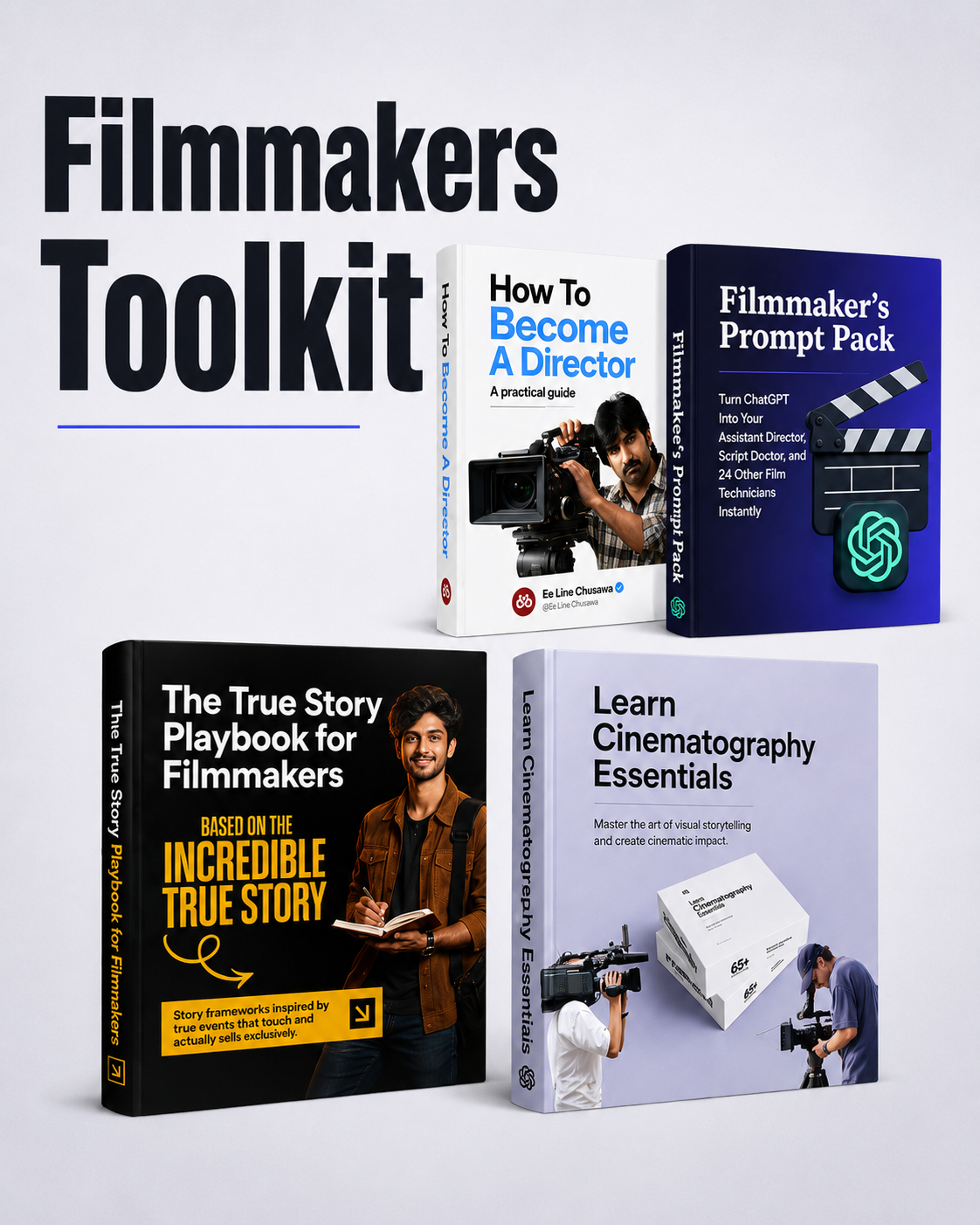
Get this now: https://superprofile.bio/vp/GHHQql4H